FlowPaper 4.1.7: A Flipbook Maker That Stays Sharp at Every Zoom
3 November 2026
Choosing a flipbook maker is about more than page turns. When readers zoom in on a PDF, small details matter: a product specification, a caption, the fine print beneath a chart. In FlowPaper 4.1.7, we’ve continued refining how pages are rendered so those details stay easy to read.
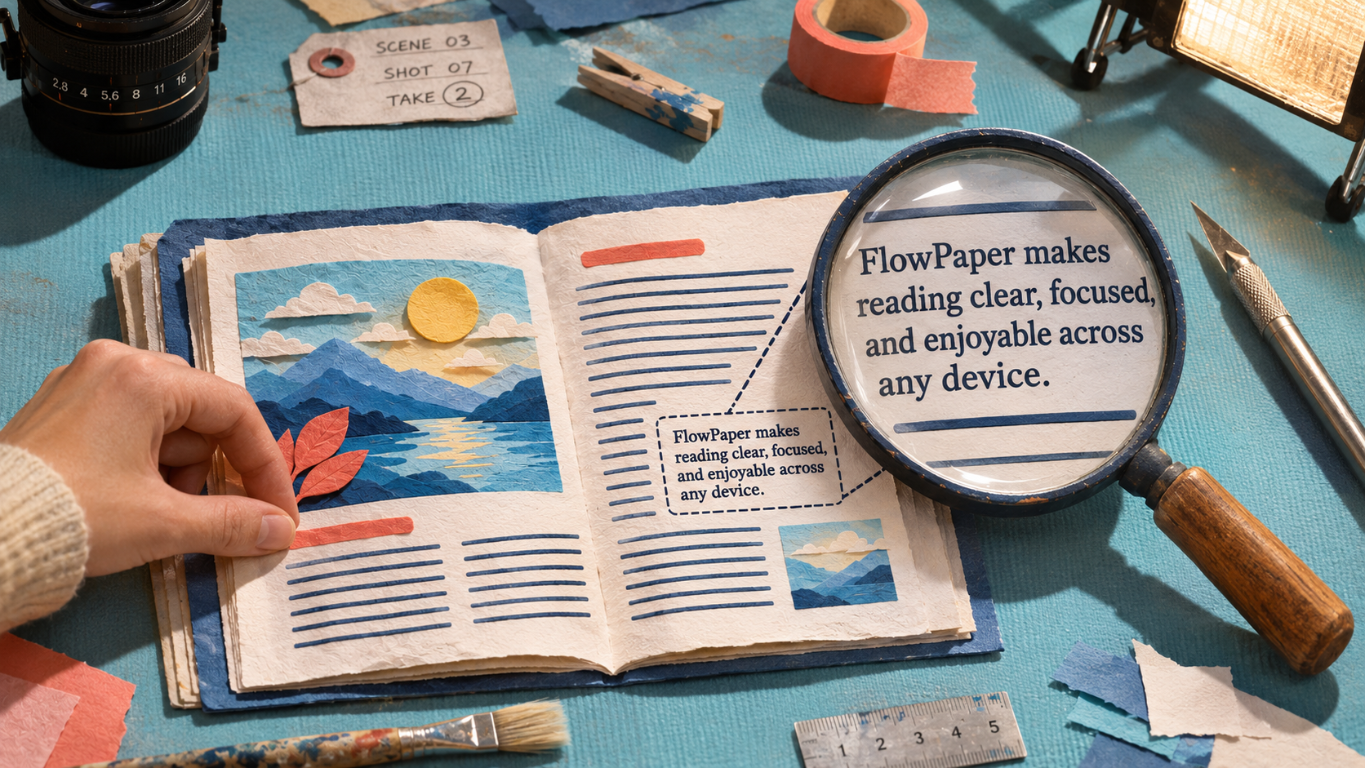
Sharp text, even when enlarged
In a FlowPaper PDF flipbook, text and vector artwork remain scalable content. Enlarge the page and the lettering stays crisp, rather than turning soft or pixelated. That makes a real difference in publications people need to inspect closely, from catalogs and manuals to reports and magazines.
When comparing online flipbook makers, check the page at more than fit-to-screen size. A viewer built around fixed-resolution page images can lose detail when you zoom in. FlowPaper’s vector-based approach preserves the PDF’s text and vector elements at different magnifications. We explain more in What Is a Flipbook—and Why Flipbook Makers Aren’t All the Same.
The page as it was designed
Sharp text is only part of the picture. It needs to sit naturally alongside the page’s images, backgrounds and other details. The latest rendering refinements in 4.1.7 help preserve that composition, whether readers are viewing the whole page or looking more closely.
With FlowPaper 4.1.7, publishers can bring catalogs, manuals, reports and magazines online as digital flipbooks that readers can zoom into and keep reading.